![engin_spark_logo_800x272.png]](https://support.engin.co/hs-fs/hubfs/Logos/engin_spark_logo_800x272.png?height=40&name=engin_spark_logo_800x272.png)
Step-by-Step Guide
- From the engin dashboard, navigate to the upper, right-hand corner and click on "Create Job"
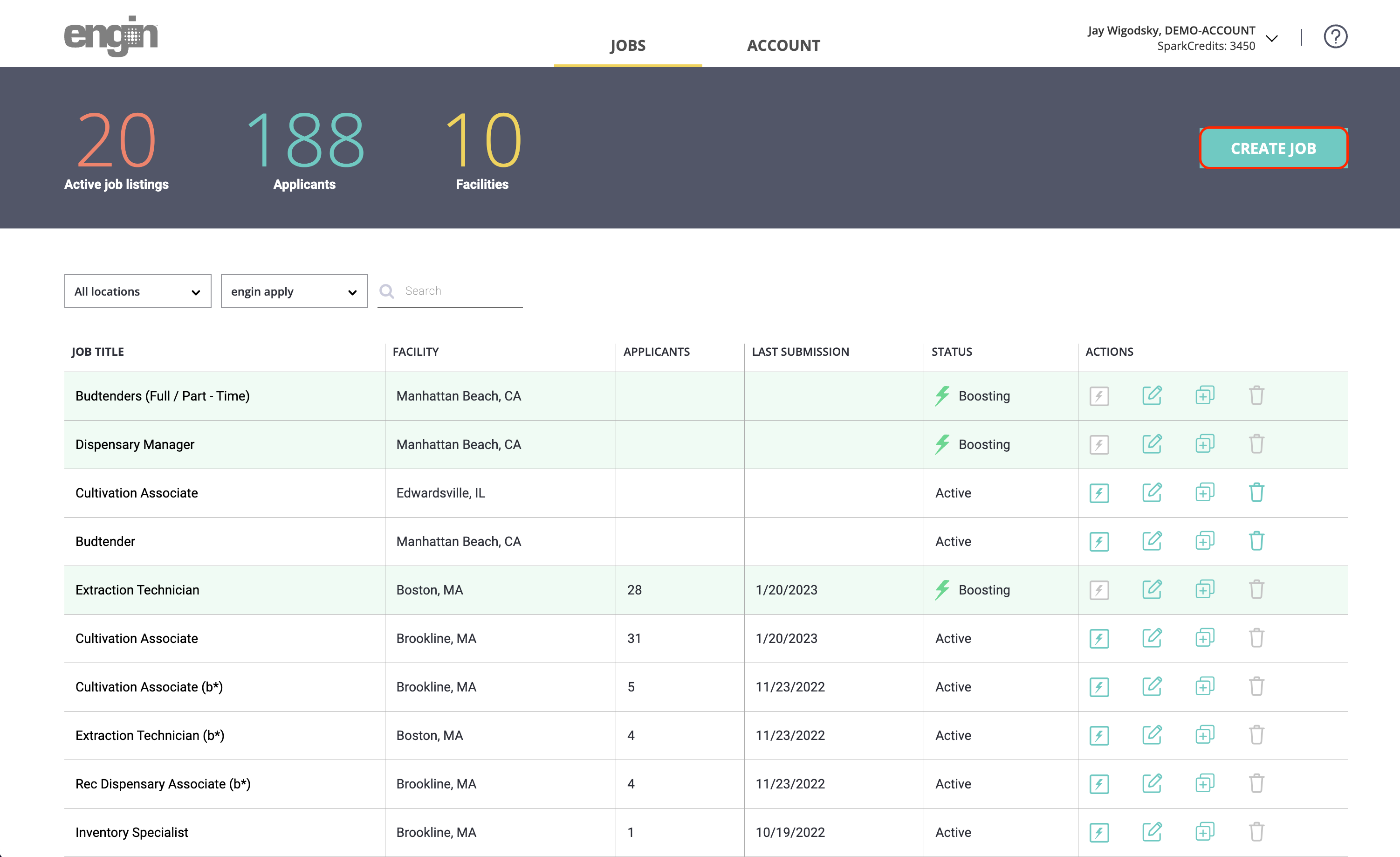
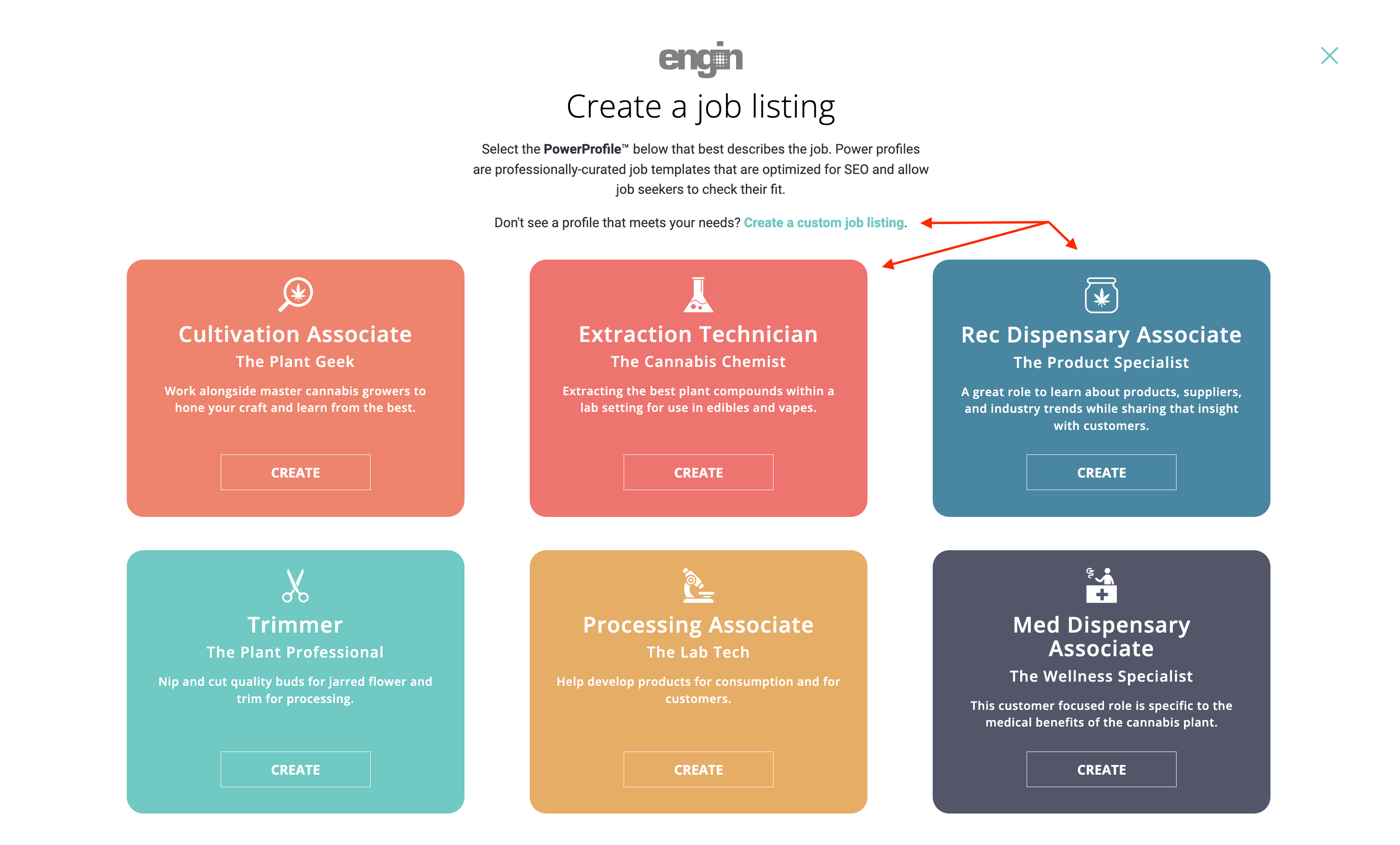
- engin has 18 pre-built PowerProfiles for you to use - select the appropriate template -or- select "Create a custom job listing" if your position doesn't match an existing PowerProfile.
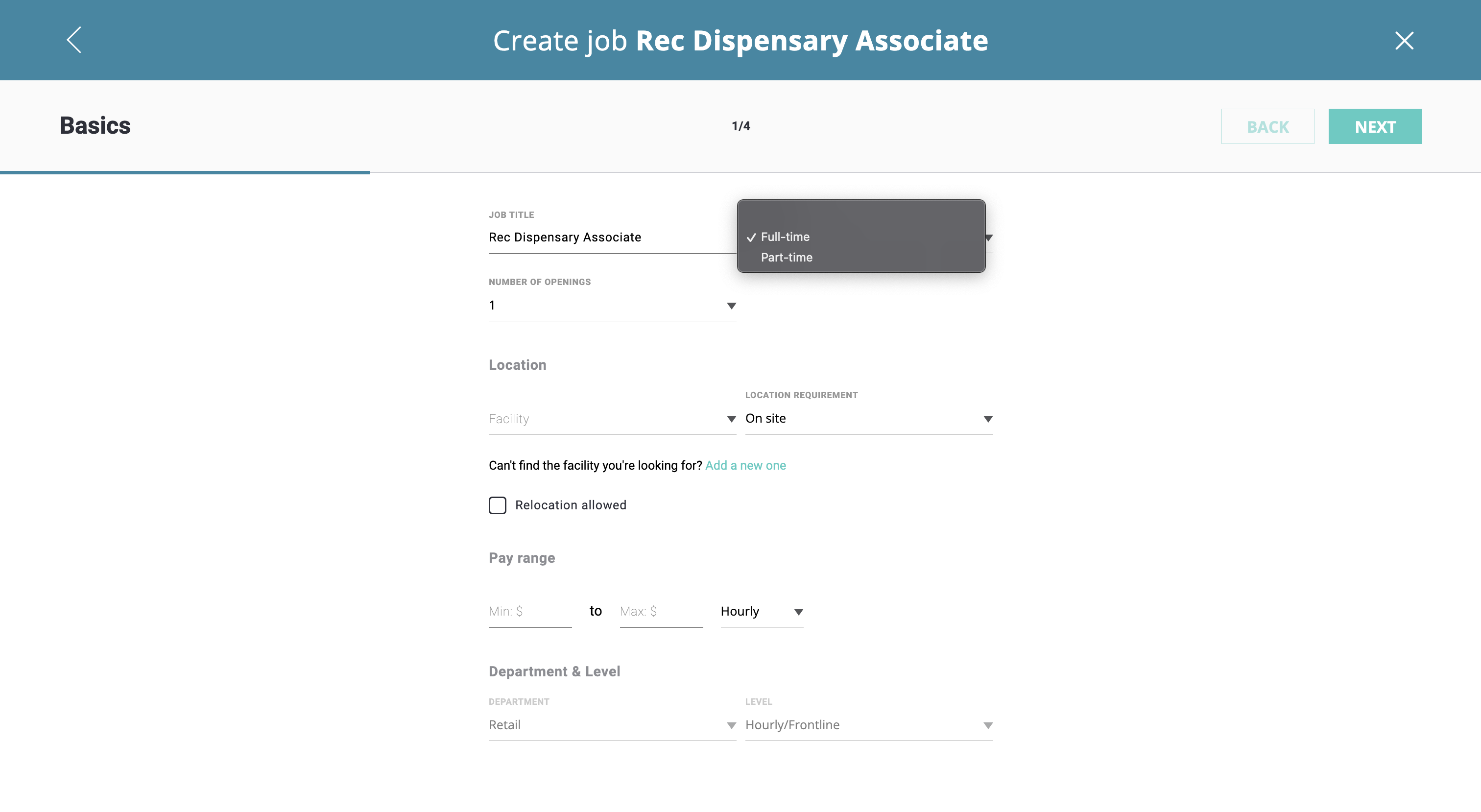
- Feel free to edit the job title, otherwise, use the drop-down to select either "Full-time or Part-time" for the position + enter the number of openings.
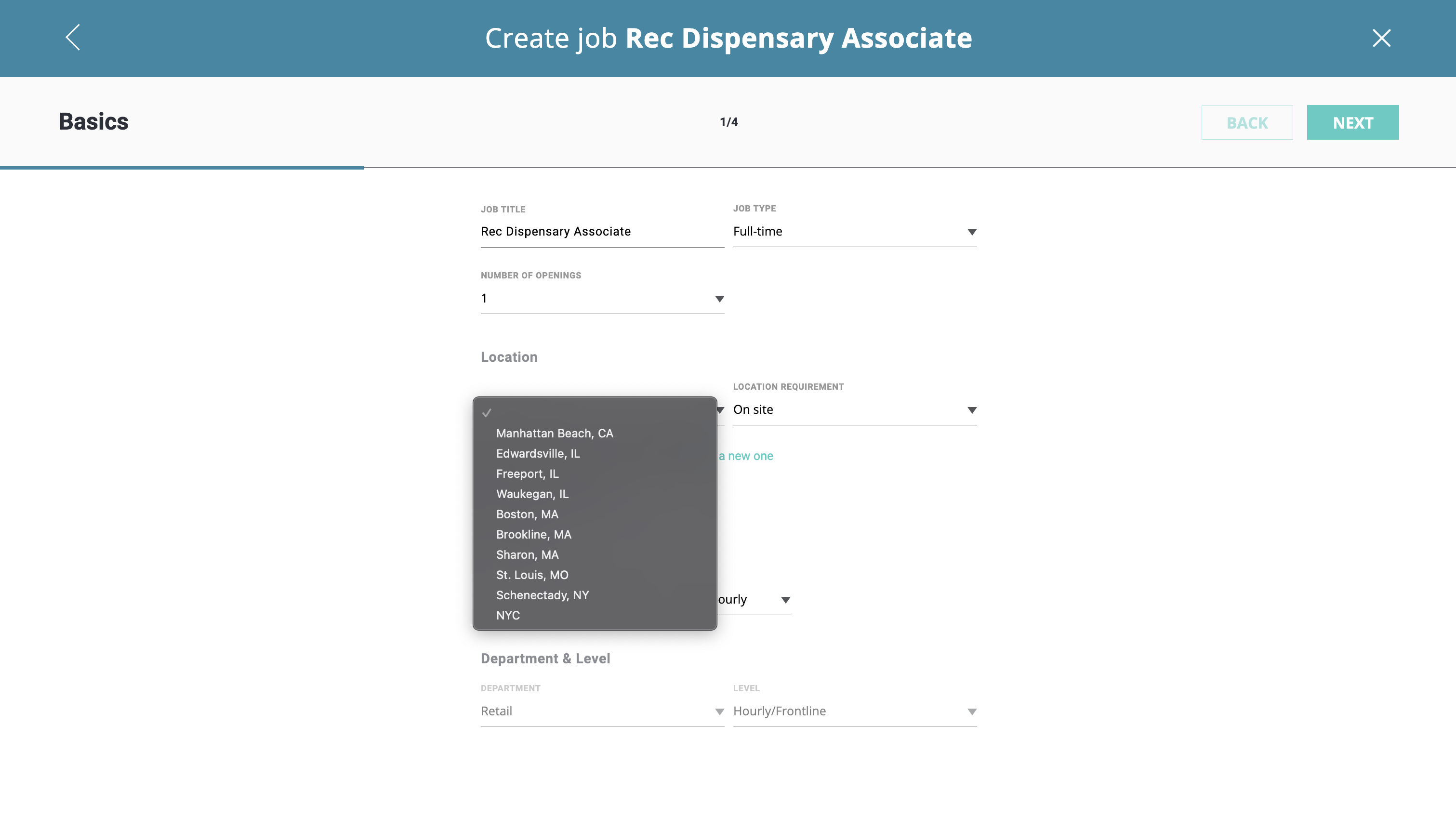
- Next, use the drop-down to select the facility where the job opening is located, including the location requirement of "On site, Hybrid, or Remote" which is located next to the facility.
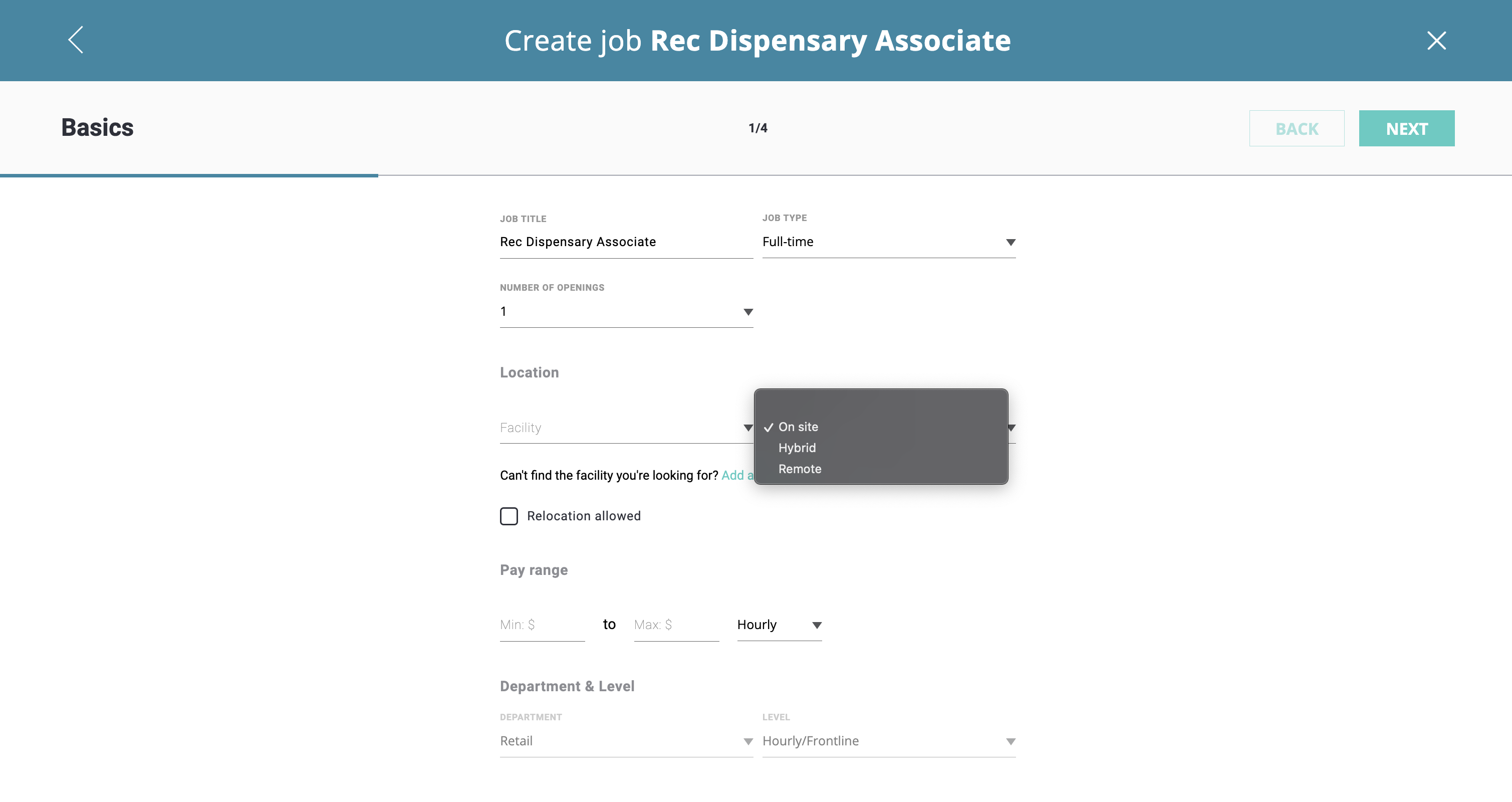
- If you allow for relocation, please check the "Relocation allowed" box.
- Pay ranges aren't mandatory on our platform, however, we've found that adding a pay range helps increase applicant flow for most positions. Use the "Pay range" boxes to enter the compensation range and select the wage type from the drop-down.
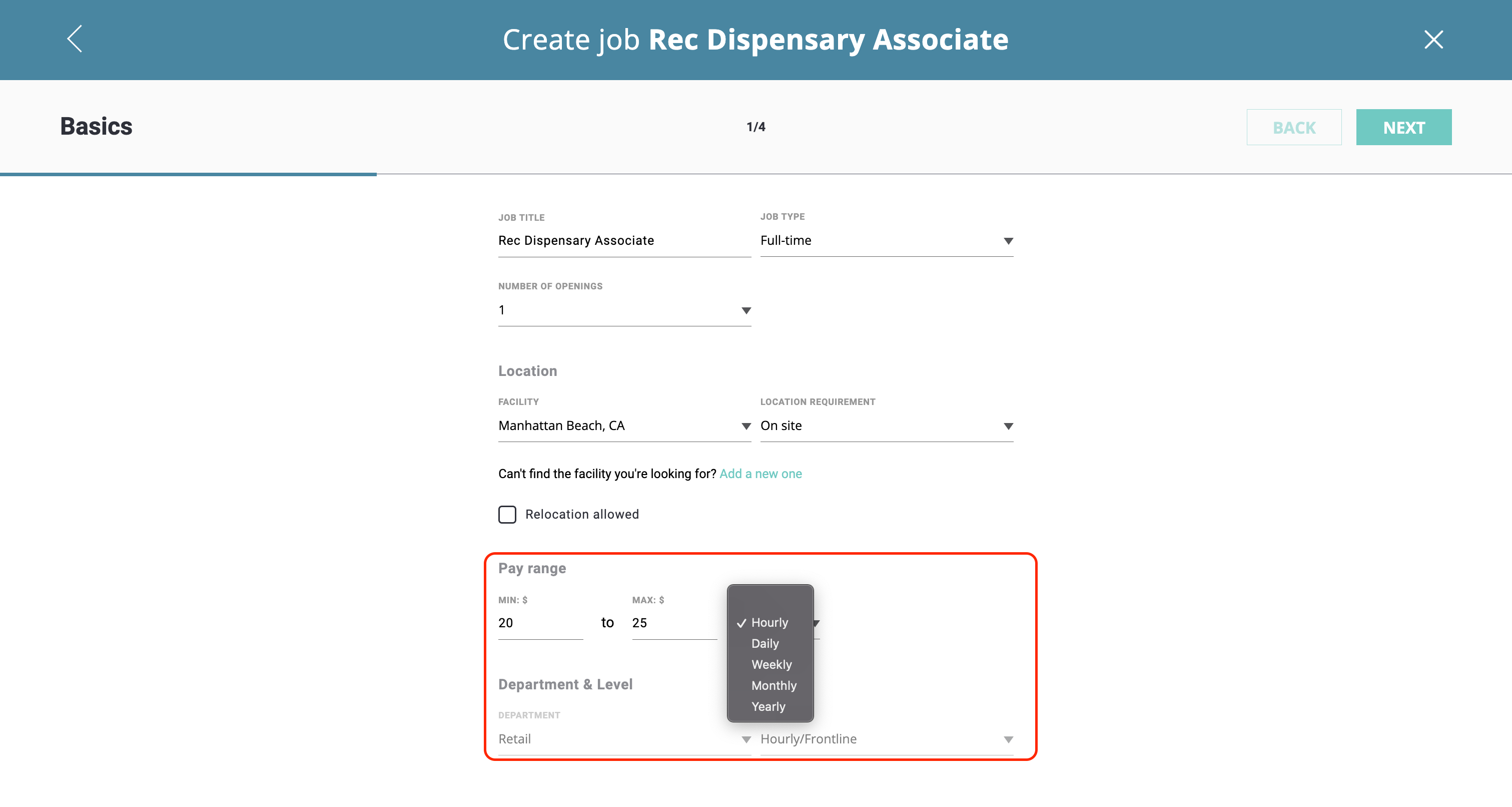
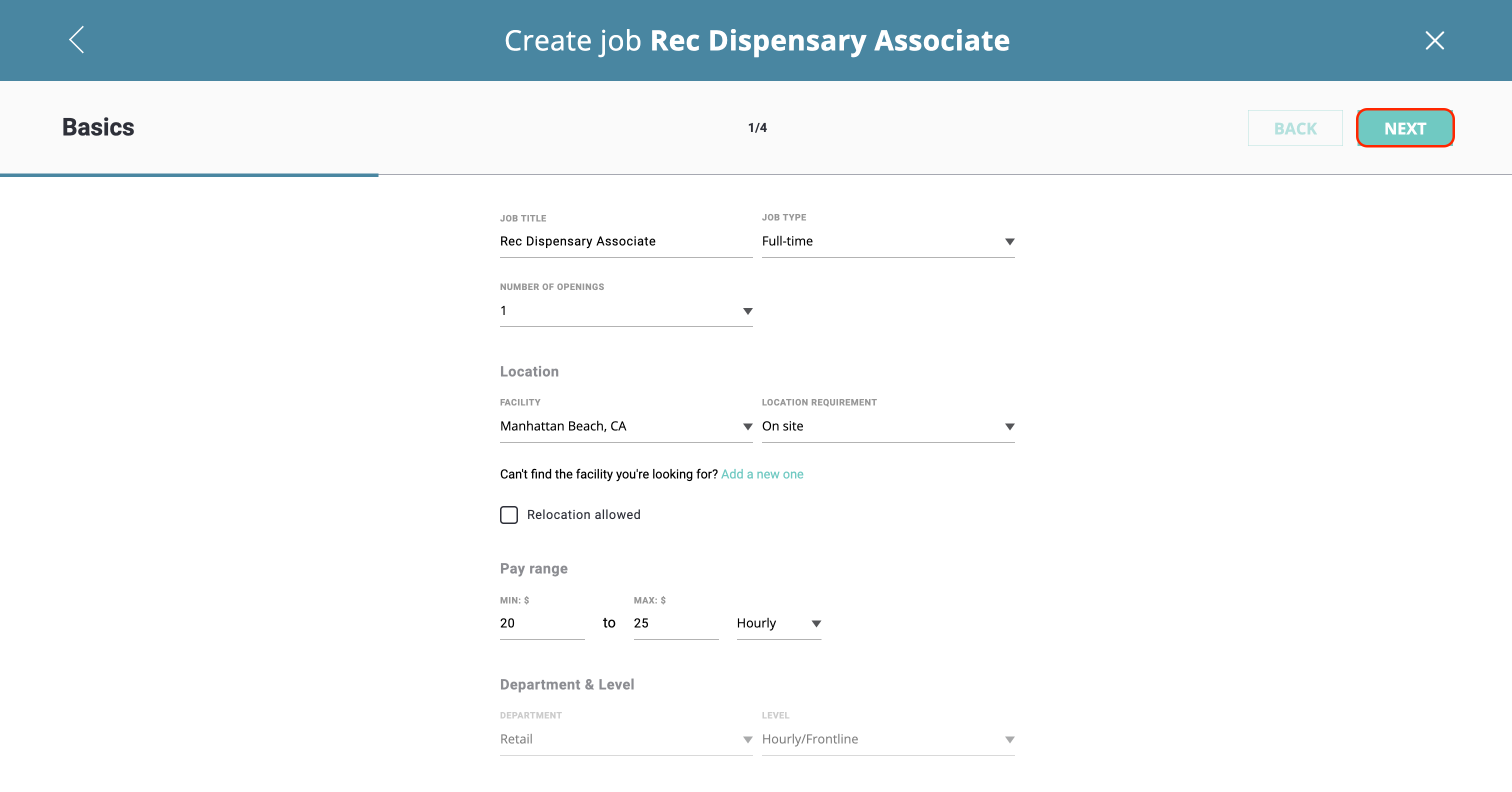
- Click the "Next" button in the upper, right-hand corner to move to the next screen.
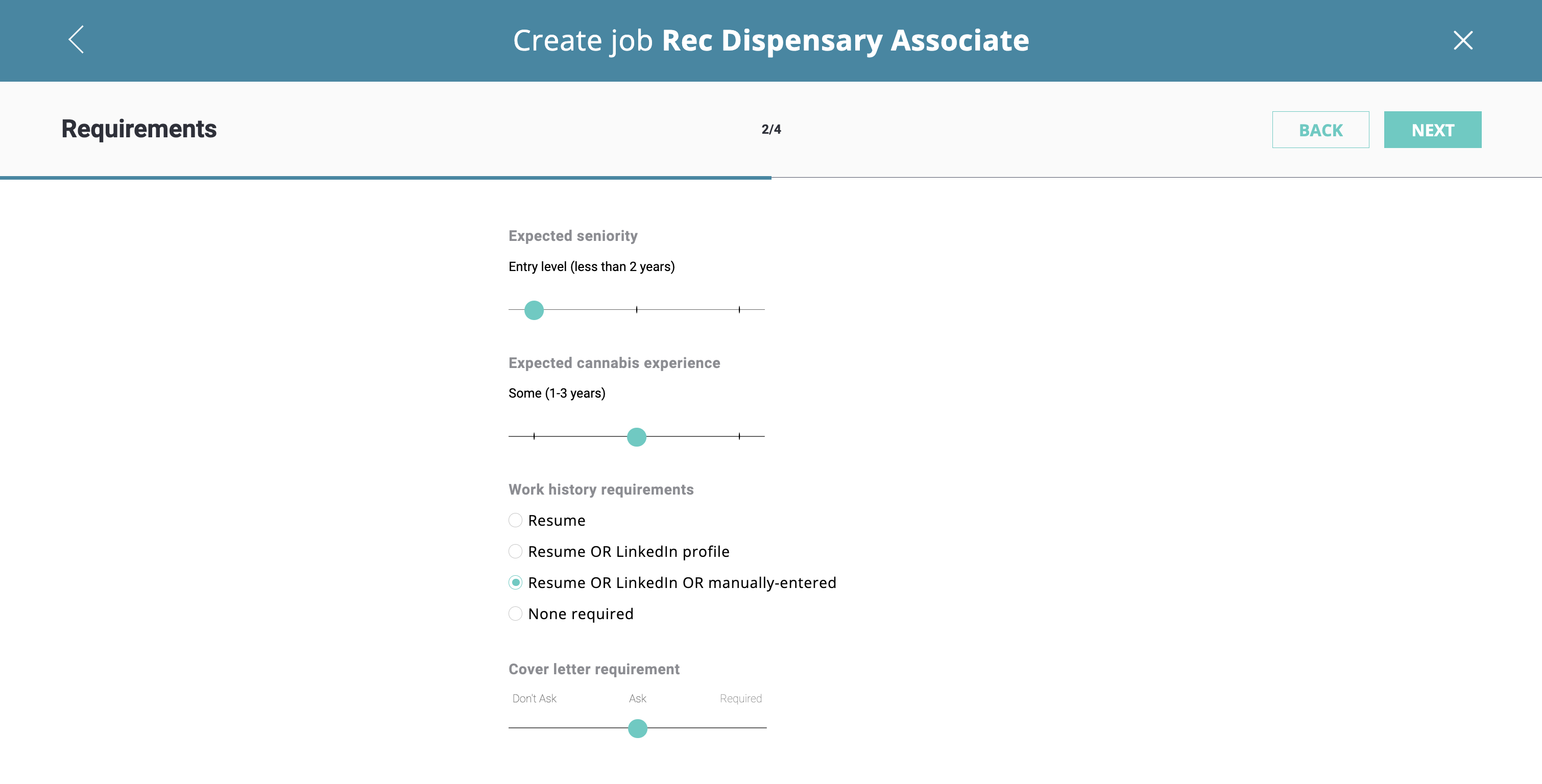
- Seniority level, expected cannabis experience, work history, and cover letter requirements are up next! Use the sliders to select your preferences for applicants.
- PowerProfiles include Job Descriptions, Required Skills, and Desired Skills - all of which can be edited to suit company-specific branding.
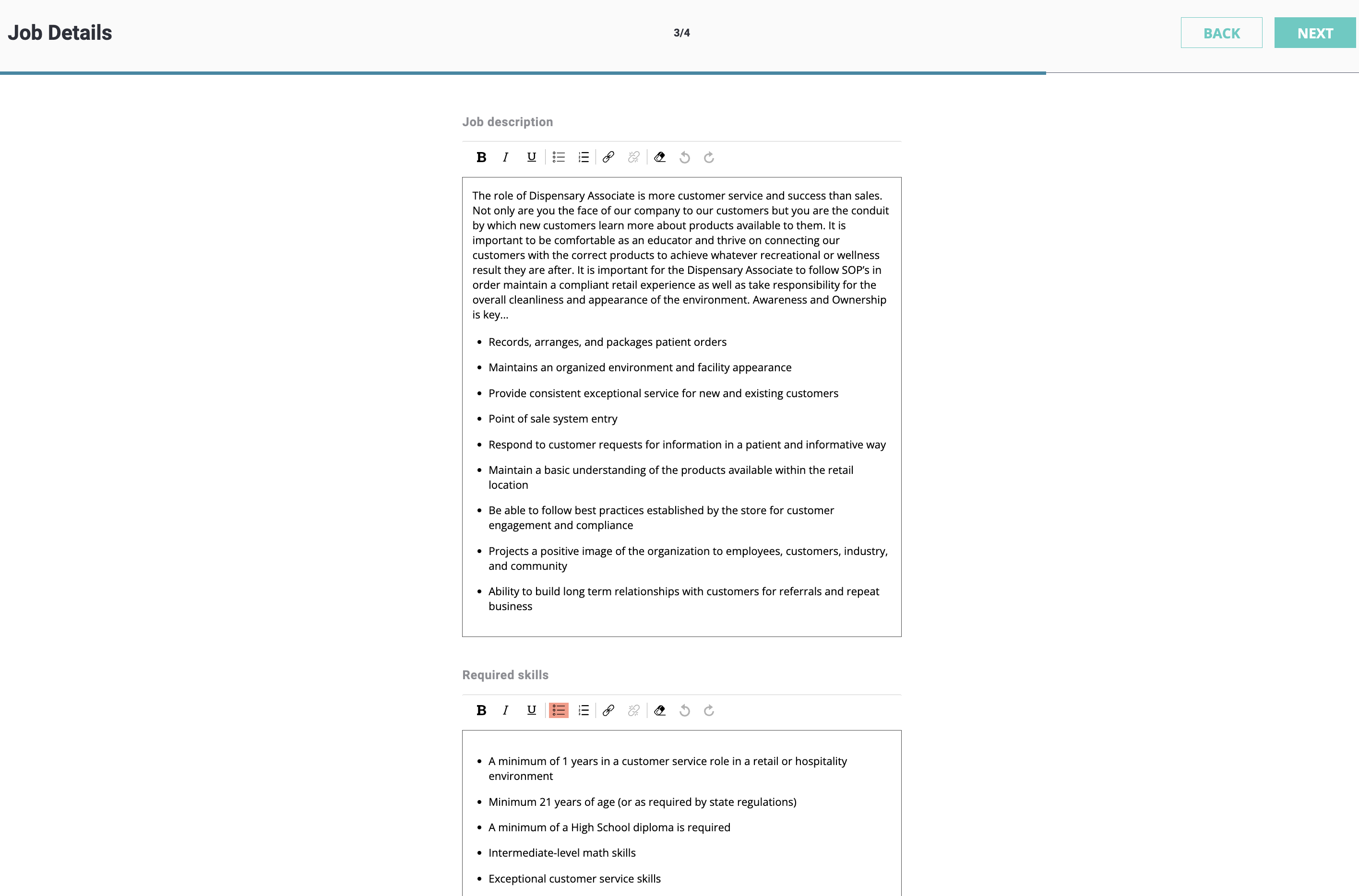
When completed, click the "Next" button in the upper, right-hand corner.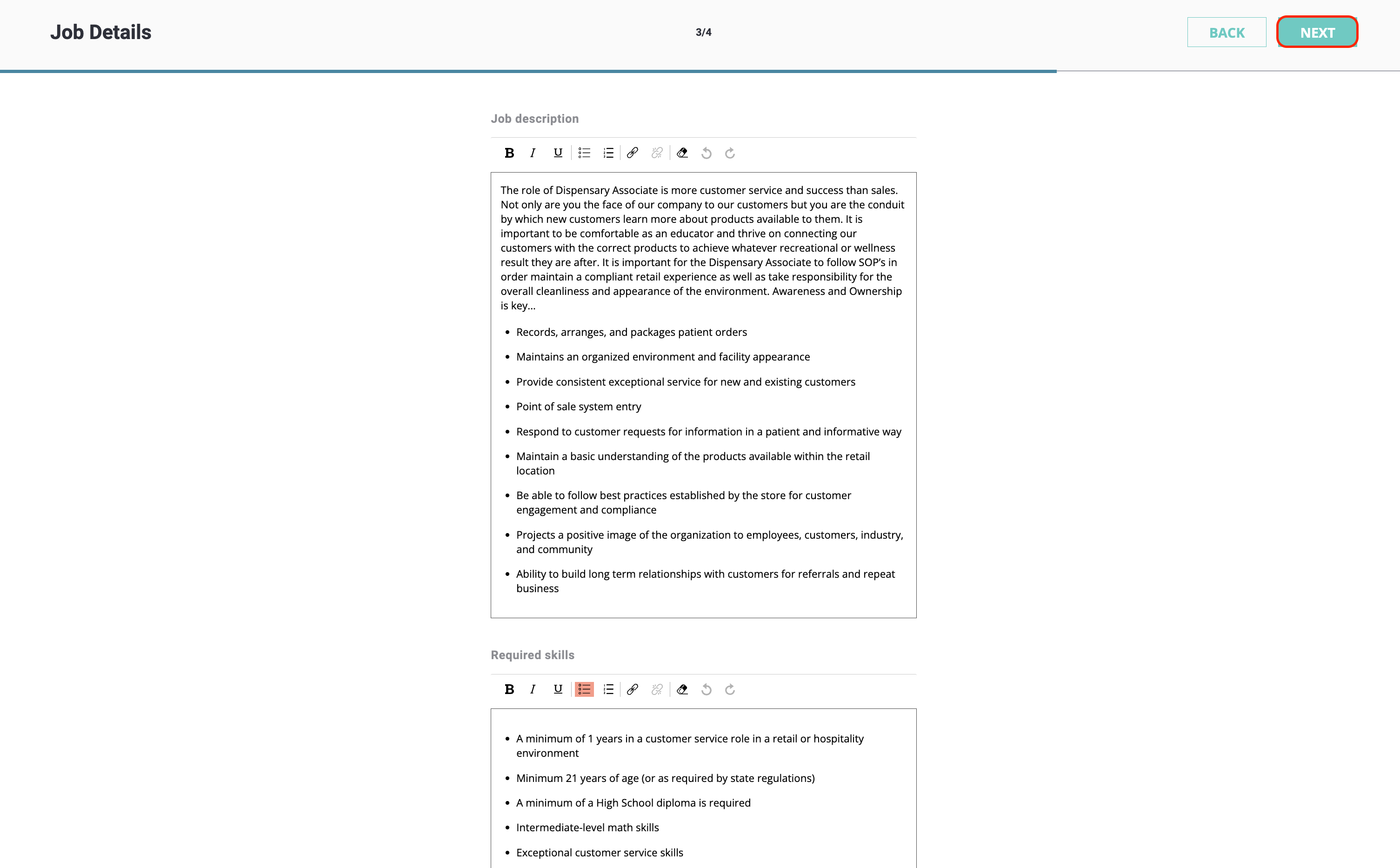
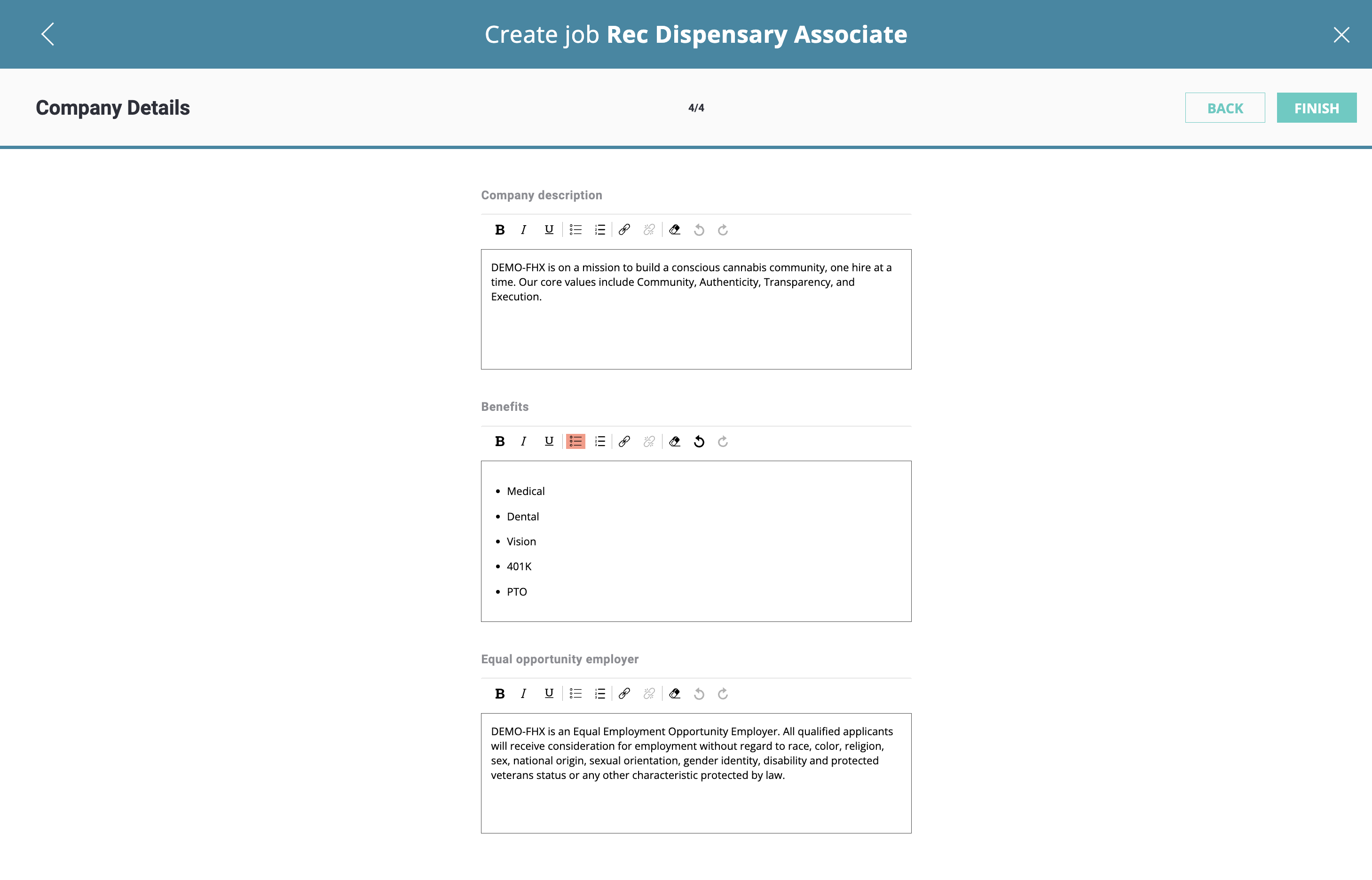
- Double-check your Company Description, Benefits, and Equal Opportunity Employer statement, then click "Finish" in the upper, right-hand corner.
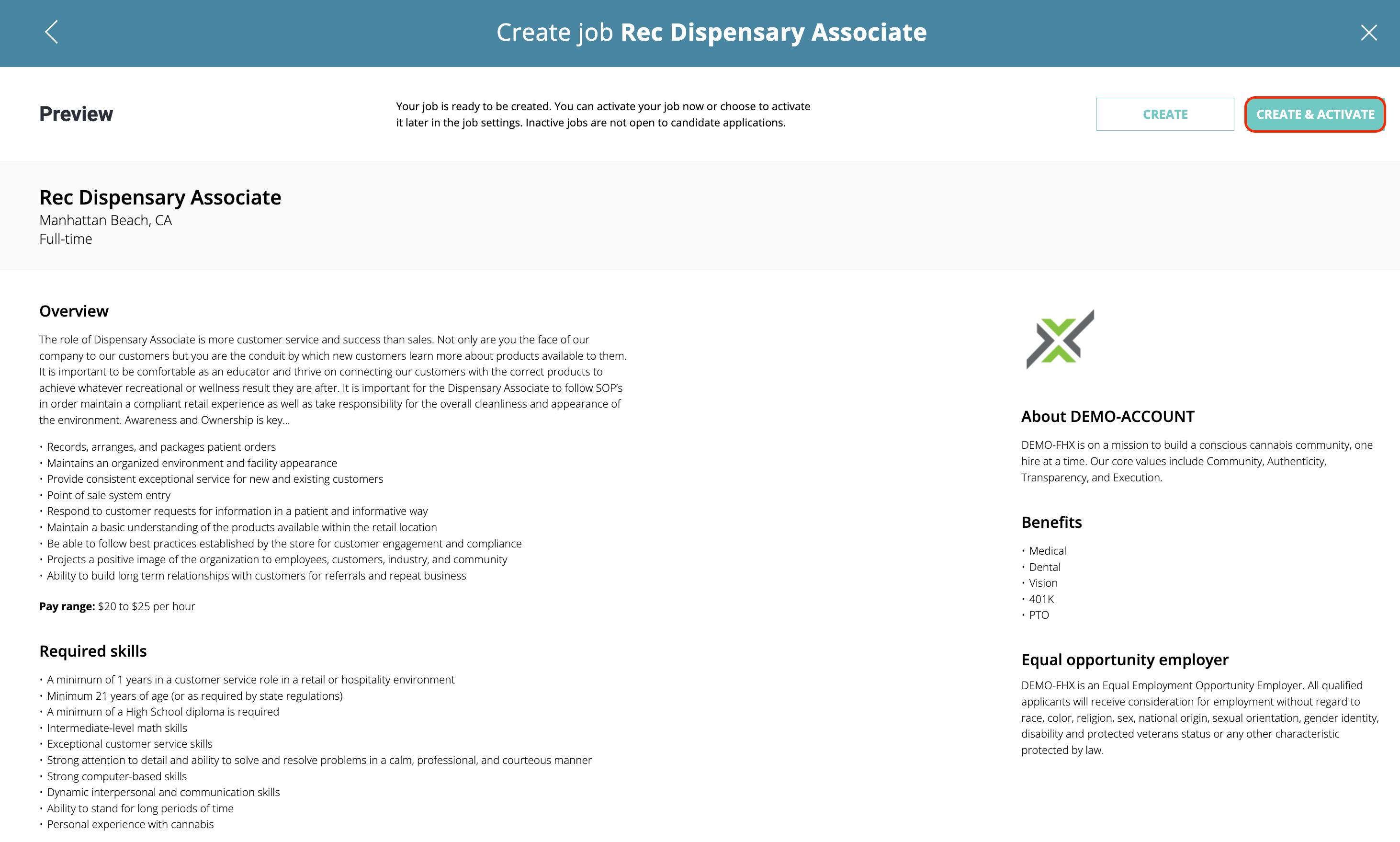
- Preview your job listing and use the "Create & Activate" button in the upper, right-hand corner to immediately set your job LIVE!
Need to reach a large number of candidates immediately? Check out our SparkBoost Overview to learn more.
If you have any questions or need further assistance with posting or editing a job listing, our customer success team is here to help! Feel free to send us an email using: customersuccess@engin.co